
STB Emulator
February 8, 2026
Set-Top Boxes, Tutorials
Step-by-Step Instructions
1
Download STB Emulator
Download and install STB Emulator from the Google Play Store or sideload the APK on your Android device.
2
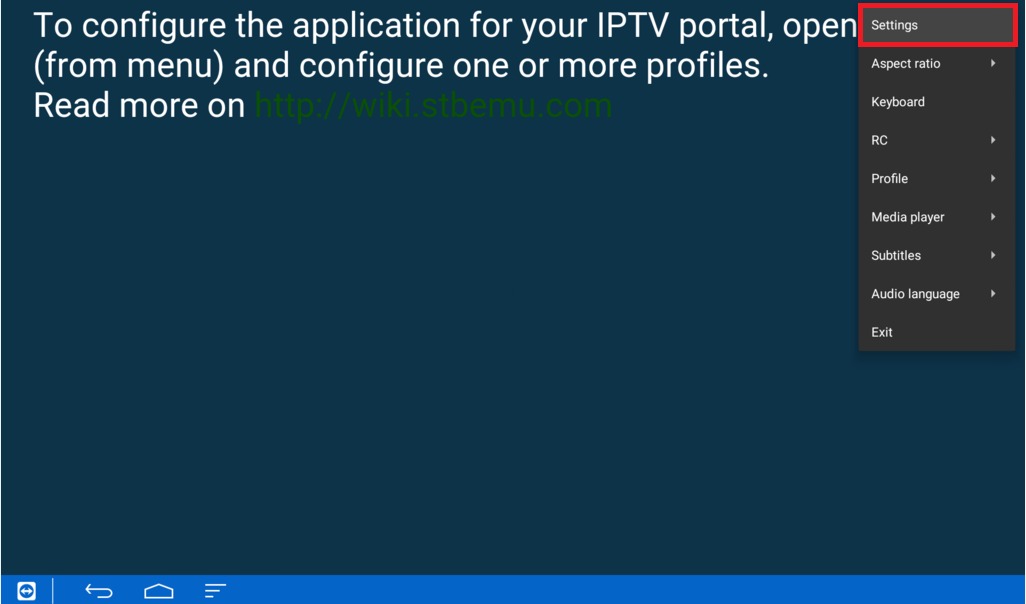
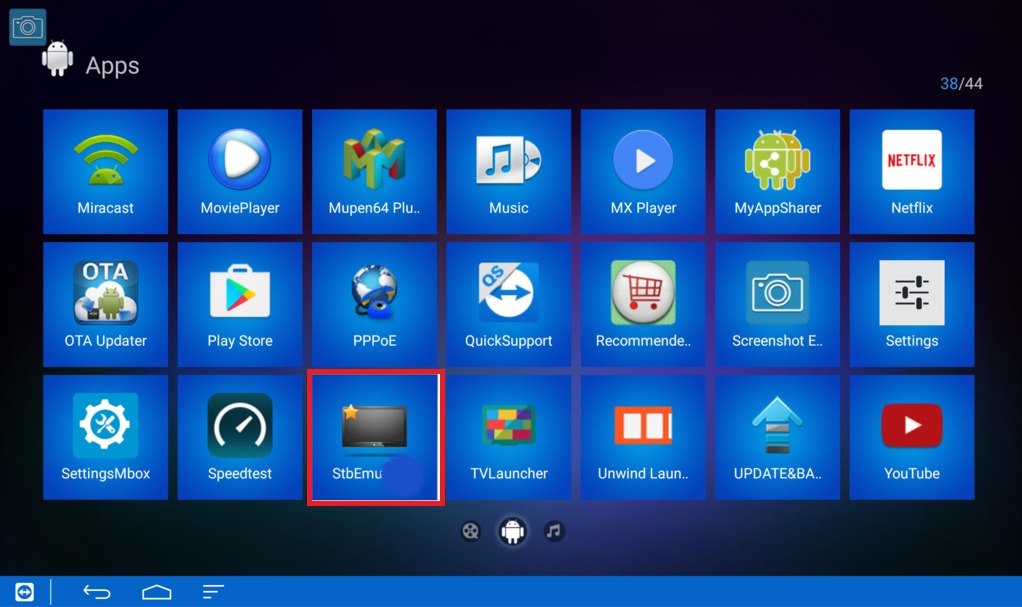
Open the App
Launch STB Emulator. On first run, you'll see a portal configuration screen.
3
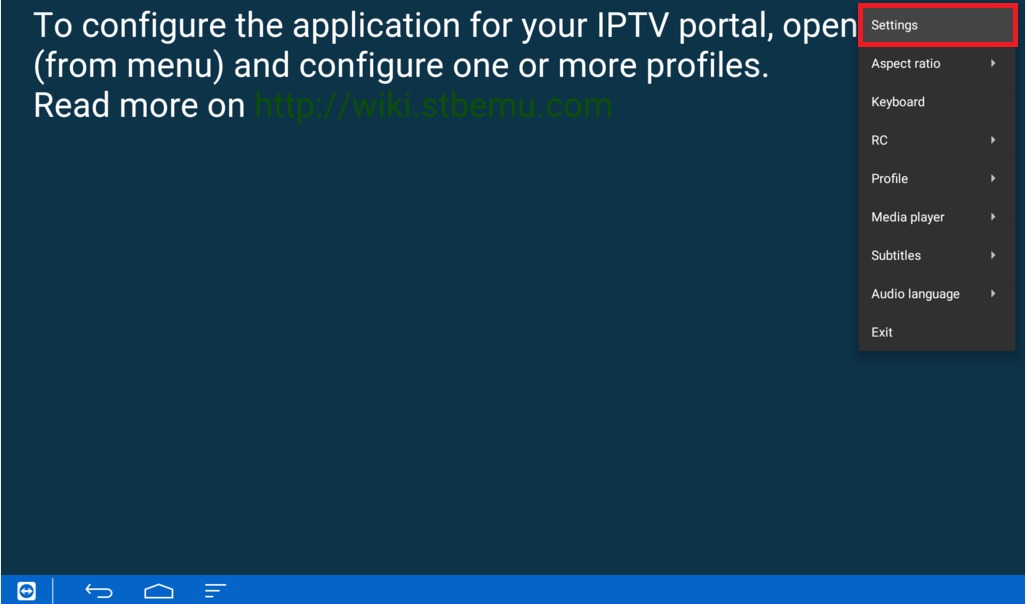
Add New Portal
Tap on "Add Portal" or access settings by pressing the menu button on your remote.
4
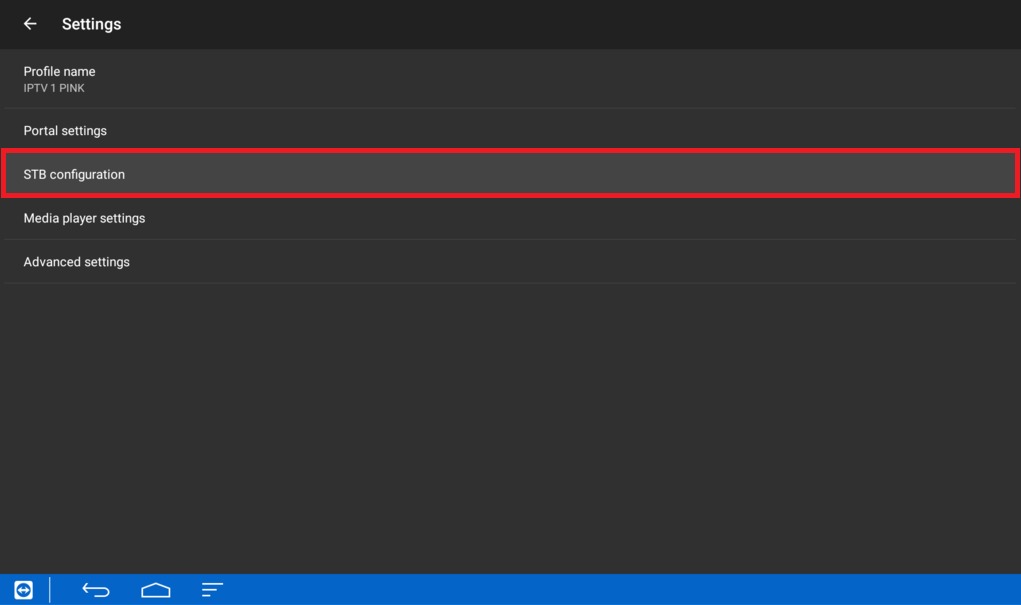
Configure Portal
Enter "Fox IPTV" as the portal name and paste the portal URL from your welcome email.
5
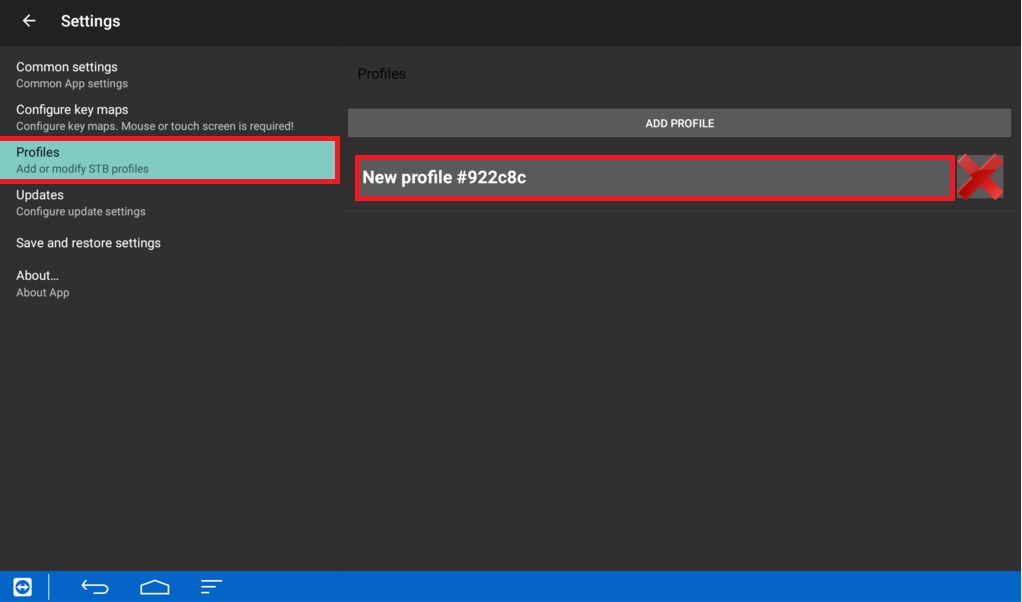
Save and Connect
Save the settings and select the portal. The app will connect and load your channel list.

Setup Complete!
Your STB Emulator is now configured with SLTV IPTV. Enjoy watching your favorite channels and content!